For simplicity, consider this scenario: email, social media etc. don't exist, and you want to share a file with a coworker; what do you do?
You probably copy it to a USB, plug the USB into the coworker's computer, and paste it there.
3 minutes later, another file comes to you which you want to share with the same coworker. USB again? 7 minutes later, another file. You know what I'm getting at?
For this reason, we need a way to communicate with other computers efficiently. With the internet being an integral part of our society now, it's hard to imagine a world without network today. But what I mentioned above is the boiled down version of why we need to connect computers (network). That's literally what a network is, connection of computers.
So we came up with a solution. We created computers which have a port. When we plug one end of a wire into that port and plug the other end into another computer's port, we're able to send and receive files between the computers! This port is called Ethernet-Port and the wire is... (c'mon you know it :)
You know how Coca-Cola has a secret 'recipe' that they have preserved in their headquarters somewhere (even tho we all know it's just a brown colored, carbonated sugar solution.) Well the computer manufacturers back then were also not giving out how they made their computers with the network ports. So, for instance, Lenovo's network port looked nothing like HP's network port. Even the wires needed by different companies were different. So 2 computers from different manufacturers could NOT talk to each other. To solve this, ISO (International Organization for Standardization: ISO is not an acronym, it's a Greek word meaning 'Equal') created a standard 'recipe' to create the networking component of computers. More about ISO here
Thanks to ISO, today we have these big companies - HP, Lenovo, Asus, but they all communicate (network) using the same ethernet cables. Wondering how the grep my email goes through a flippin wire to another computer? Check out my blog on the TCP/IP (and OSI) model.
Great, now 2 computers can communicate with each other. But what if a third computer wants to join the conversation? The ethernet ports on both computers are busy talking to each other (one ethernet cable is connecting the ports on both computers). Now how do we get the third one into the conversation? Do we create a new computer with 2 ethernet ports? But there's only so many ports we can engineer into a computer before we run out of space, and increase production costs of computer exponentially. So how do we make more than 2 computers talk (network)?
This is where the 'Switch' comes in.
What is a switch?
Switch is a device which connects multiple computers in a network. A switch has multiple ethernet outlets (ports). You know how a multi-socket extension cord converts one power socket into many? Well swtich does exactly the same (see image below.)
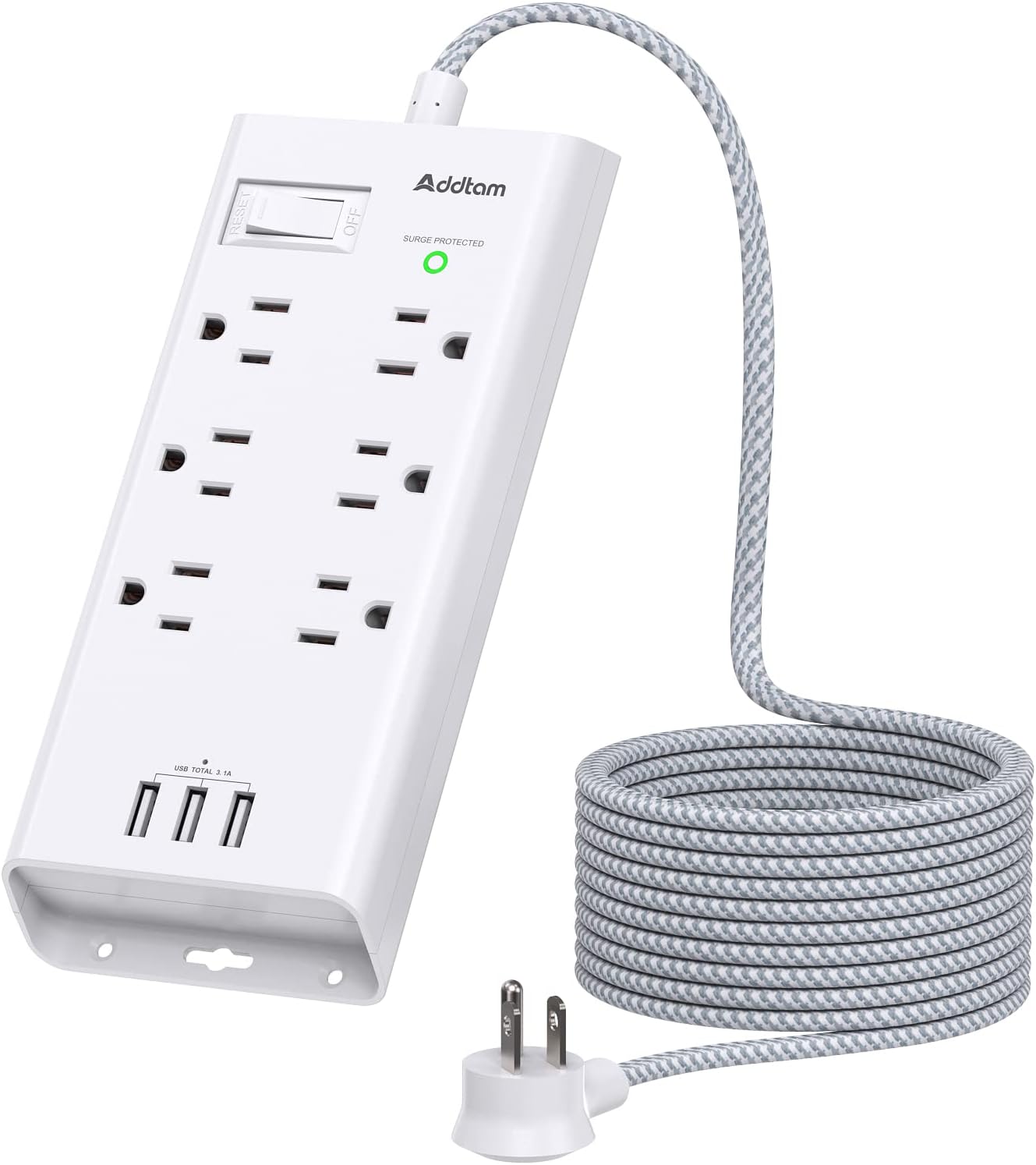
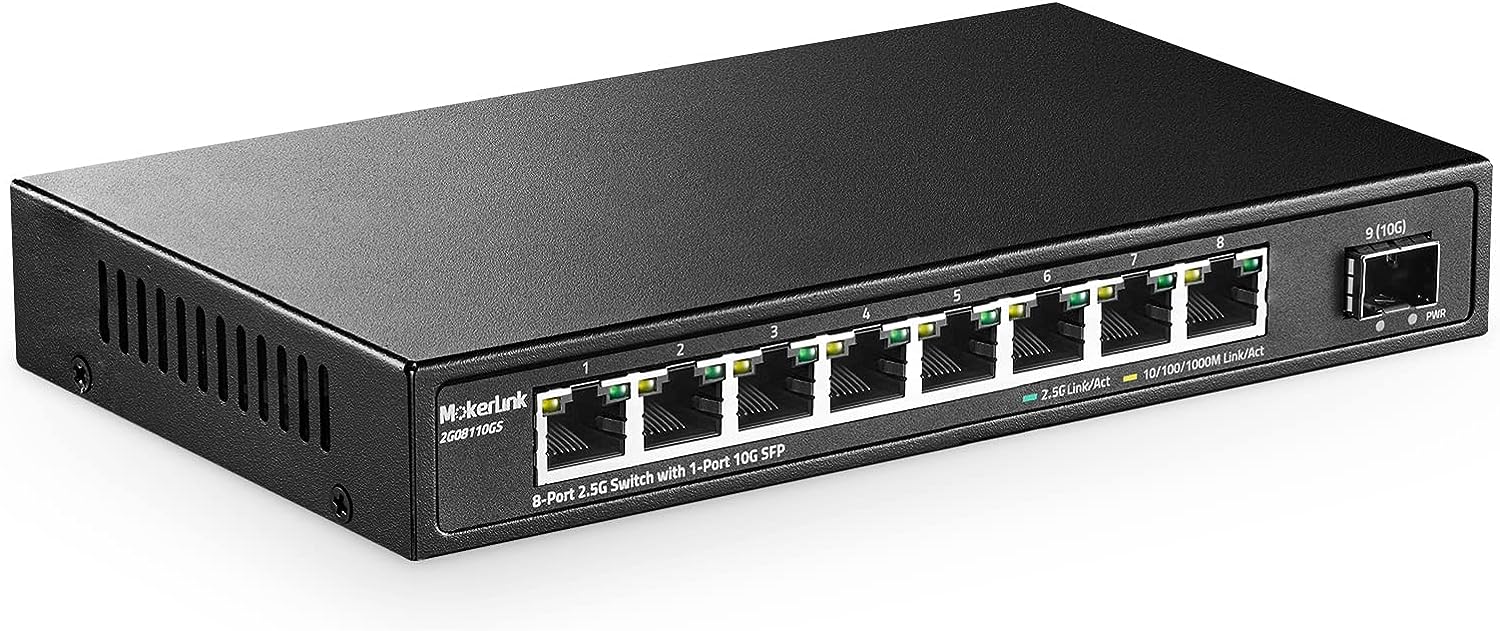
To be fair, the switch is a little more than just a ethernet port extension. If there are 5 computers connected to same switch, the switch knows which computer sent the data, and which computer should receive it; unlike a power cord which sends the same power to each port. Want to know how does switch know where to send the data to? Check out my TCP/IP (and OSI) blog post.
Nice, so we are able to connect multiple computers together.